> ## Documentation Index
> Fetch the complete documentation index at: https://cosmo-docs.wundergraph.com/llms.txt
> Use this file to discover all available pages before exploring further.
# Webhooks
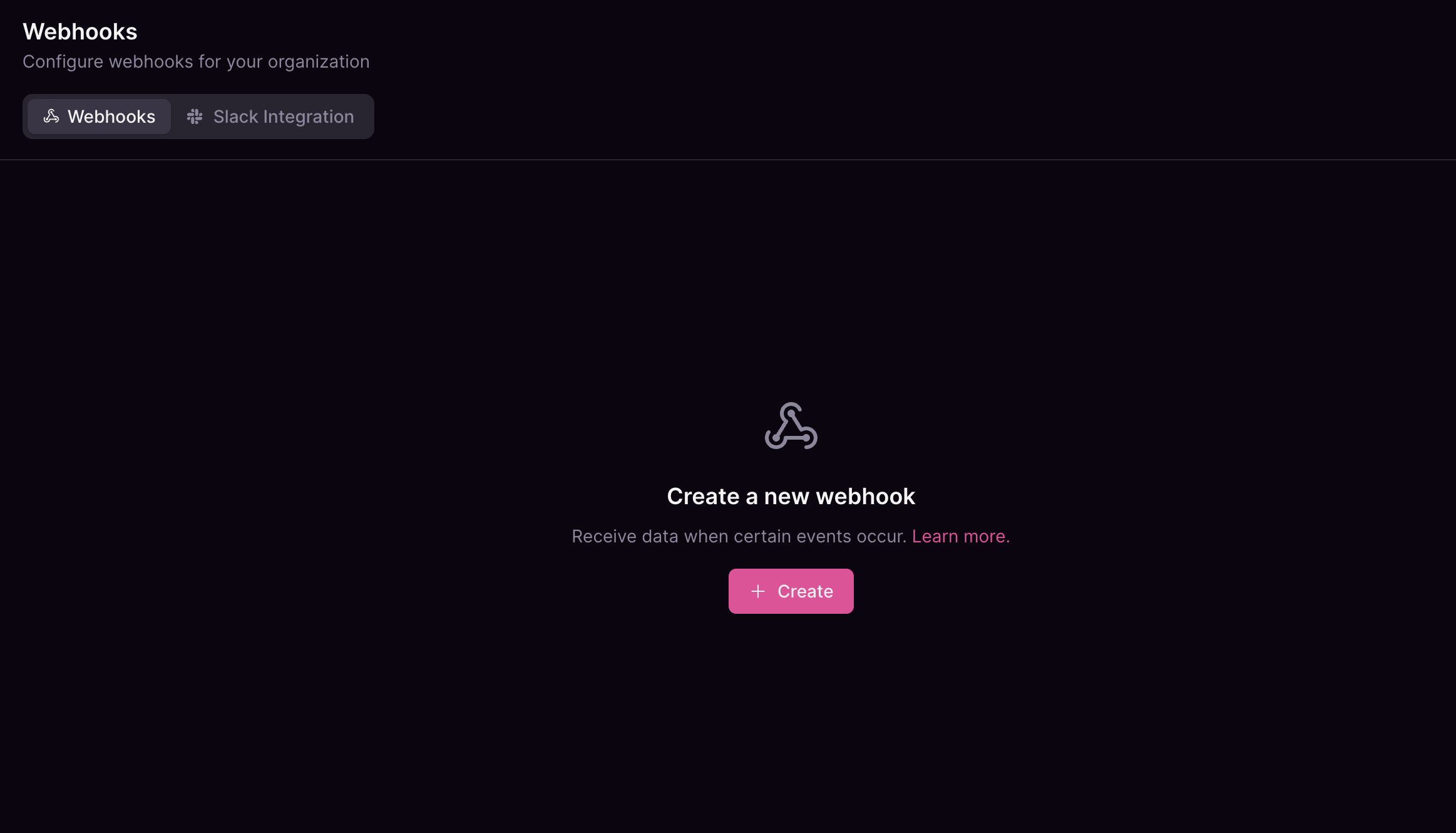
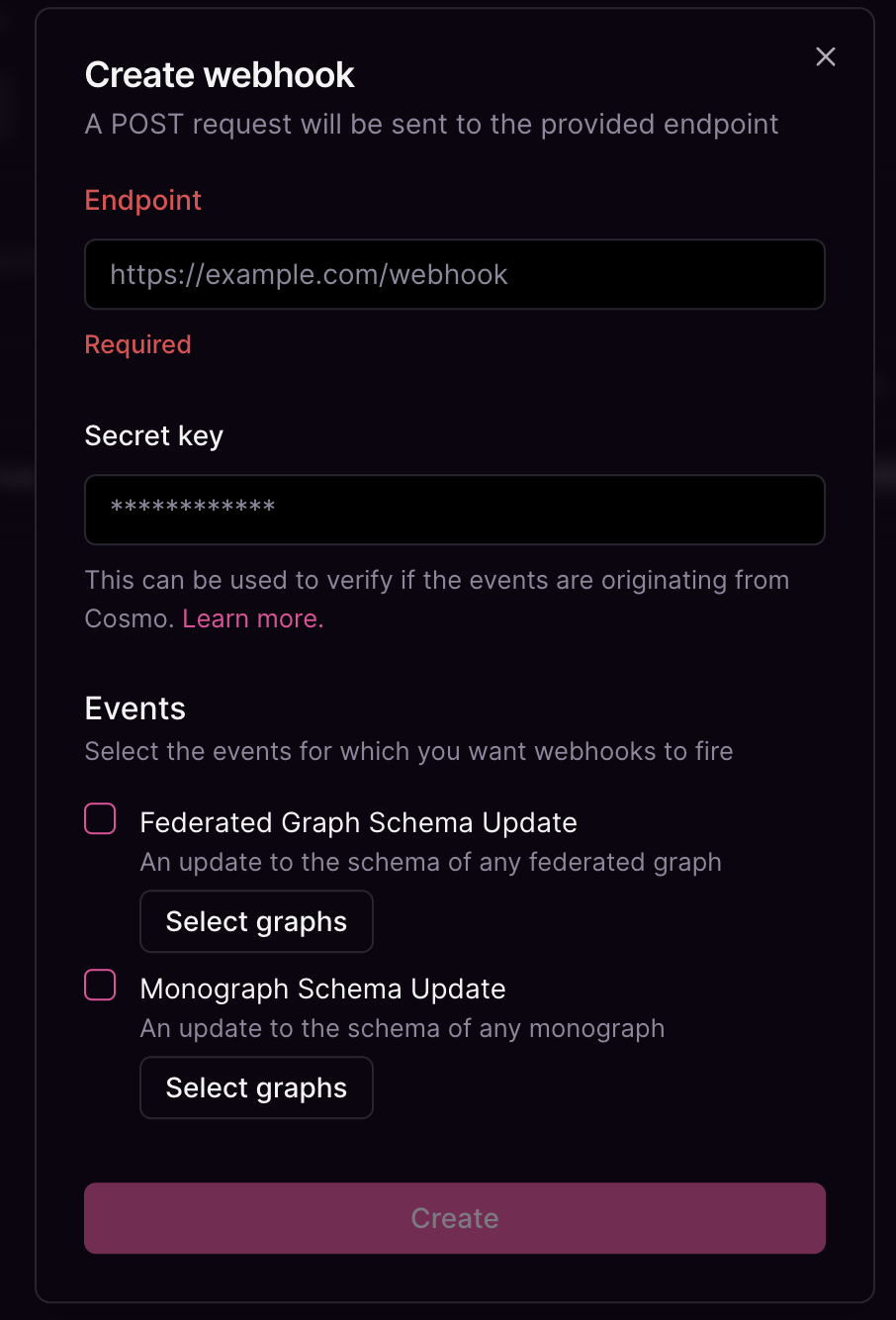
> You can setup multiple webhooks for your organization that subscribe to events.
If you are interested in platform webhook events. Check the docs [here](/control-plane/webhooks).
## Organization Events
### `FEDERATED_GRAPH_SCHEMA_UPDATED`
Triggered when the federated graph schema has been updated.
* `federated_graph`: An object representing the federated graph details.
* `id`: The unique identifier for the federated graph.
* `name`: The name of the federated graph.
* `namespace`: The namespace of the federated graph
* `errors`: A boolean value indicating whether there were errors during the update.
* `actor_id` (optional): The identifier of the actor updating the schema.
**Sample Payload:**
```json theme={"system"}
{
"version": 1,
"event": "FEDERATED_GRAPH_SCHEMA_UPDATED",
"payload": {
"federated_graph": {
"id": "graph123",
"name": "MainGraph",
"namespace": "default"
},
"errors": false,
"actor_id": "user5678"
}
}
```
## Verification
To ensure the webhook data is coming from a trusted source and hasn't been tampered with during transit, we employ HMAC signatures. When setting up a webhook, you provide a secret. This secret is used to compute a signature that is sent along with each webhook request.
The header containing this signature is `X-Cosmo-Signature-256`.
#### Verification Example
To verify the webhook request, you need to compute the HMAC signature on your server and compare it to the signature in the `X-Cosmo-Signature-256` header.
Here's an example in Node.js:
```js theme={"system"}
import crypto from 'crypto';
function verifySignature(body, receivedSignature, secret) {
const computedSignature = crypto
.createHmac('sha256', secret)
.update(body)
.digest('hex');
return computedSignature === receivedSignature;
}
// Usage:
const isVerified = verifySignature(JSON.stringify(req.body), req.headers['x-cosmo-signature-256'], YOUR_SECRET);
```
## How to set up Webhook notifications